
Six screens of the running app, annotated.
Each figure is a screenshot of KeyFlow loaded with a fictional workspace, so no real client's file appears here. The homepage follows one deal through its file; this page shows the rest of the desk.
Every deal, on one surface.
You can see where every file stands without opening one of them, which is most of what you need on a Tuesday morning.
Pick a surface
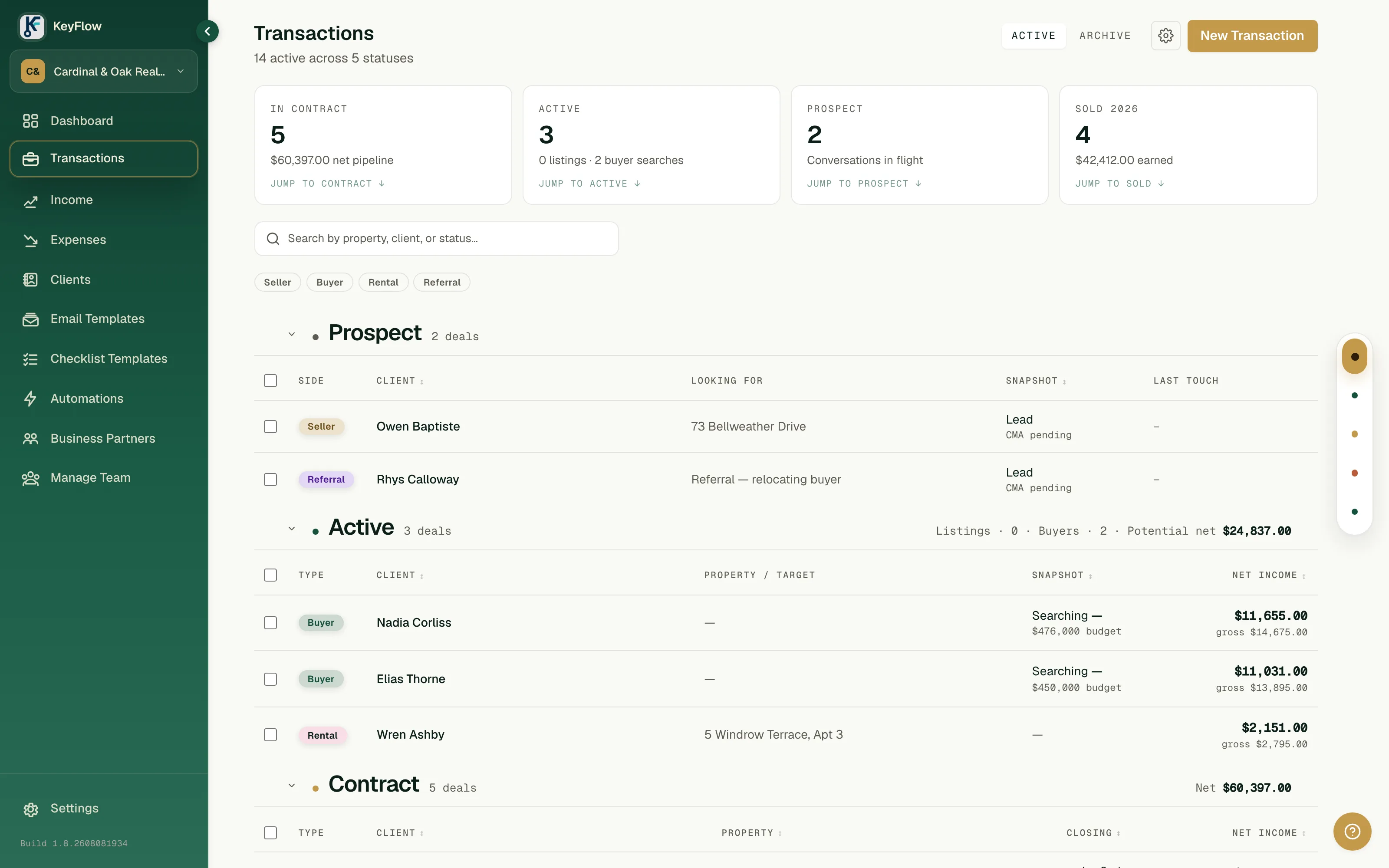
Fictional workspace — synthetic clients and addresses.
Start from the contract you already signed.
Drop the executed purchase agreement in. Parties, price, dates, and contingencies come back populated, with every extracted value sitting next to the field it filled so you can check the work.
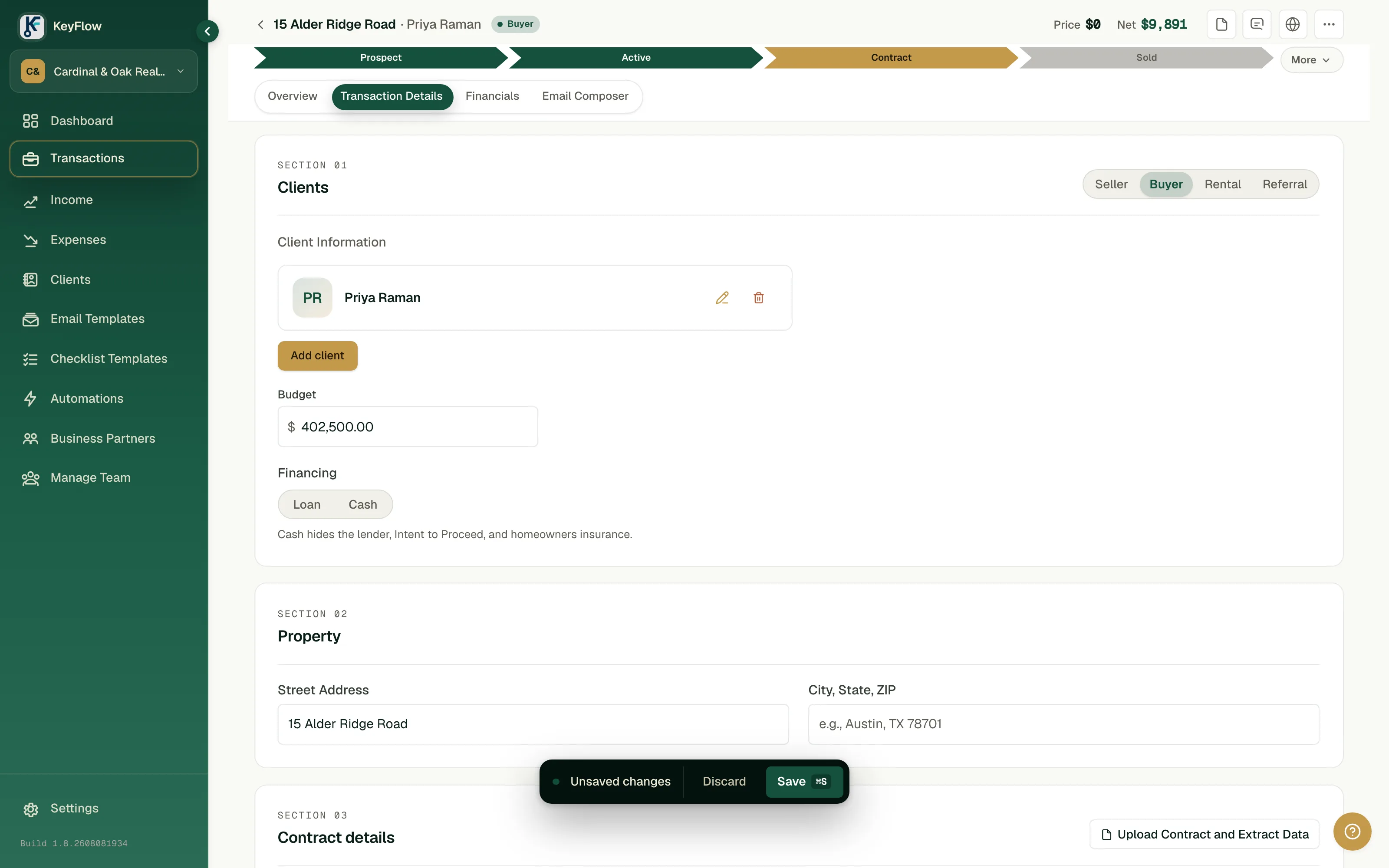
Fictional workspace — synthetic contract.
The number nobody else will model: your cap.
Gross commission, company split, fees, and what actually lands in your account — per deal and against your cap for the year. This is the figure your brokerage's software does not draw, because it is not their number.
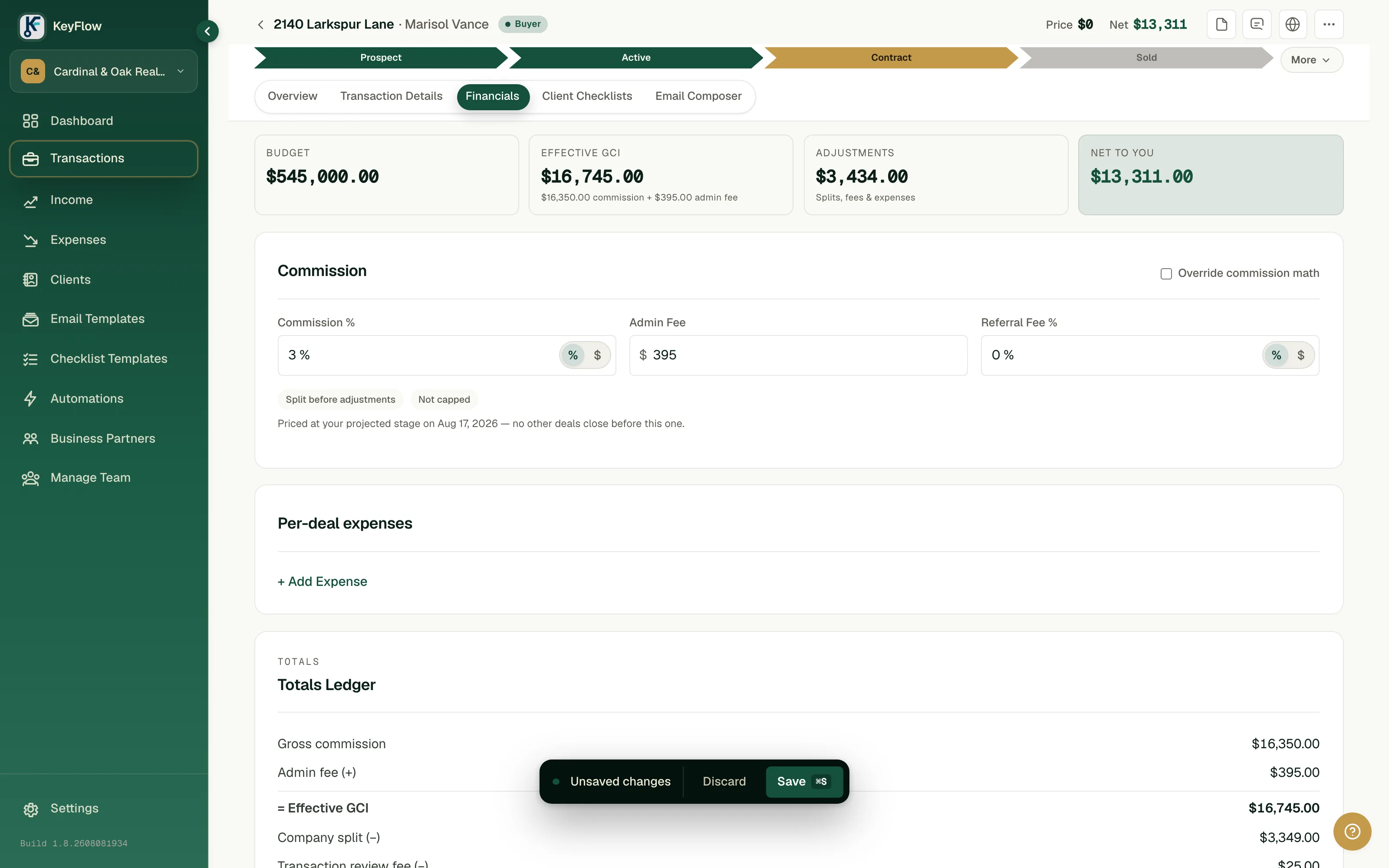
Fictional workspace — synthetic figures.
What your client sees.
One link, your branding, no account to create. The annotations on this figure are written from your buyer's side of the table, because that is who reads it.
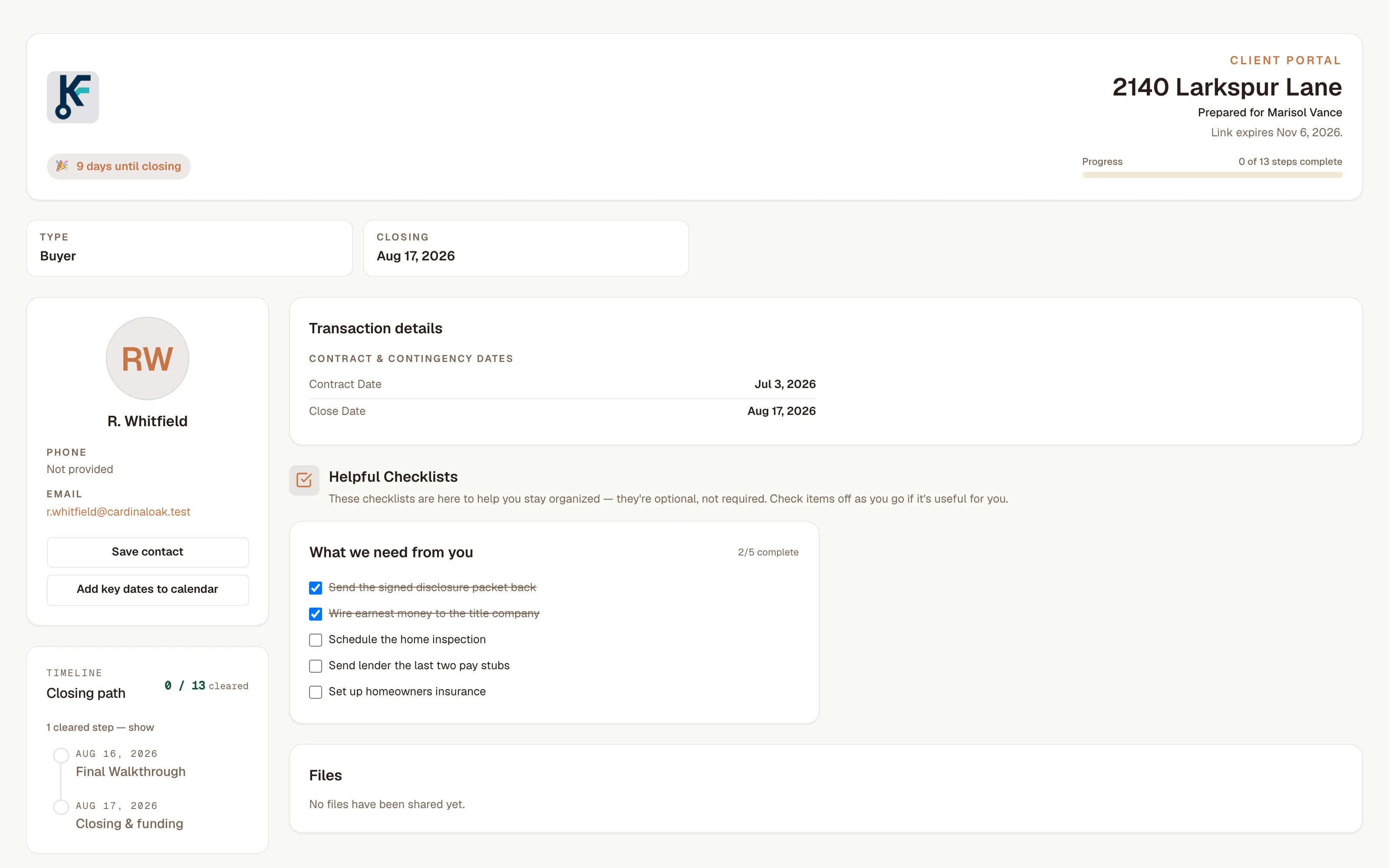
Fictional workspace — synthetic client and property.
Reminders that are boring on purpose.
Upcoming milestones by email, and a digest of unread team messages and milestones by text, on a schedule you set. They go to you and your team, not to your clients, and each one stays off until you switch it on.
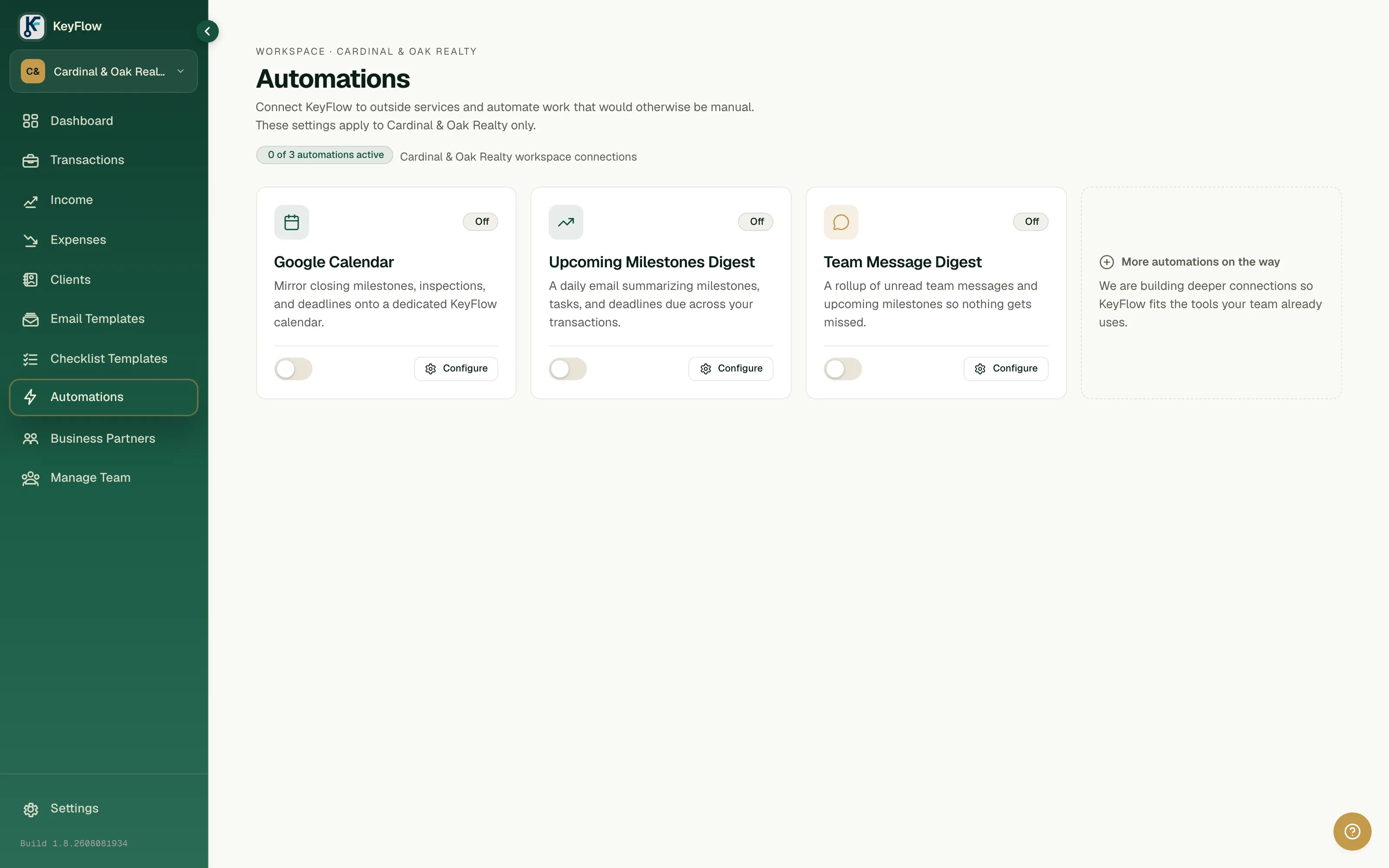
Fictional workspace — synthetic data.
Closing the month, and then the year.
Income and expenses against the deals that produced them, so the question at the end of a month is a lookup rather than an evening with a spreadsheet.
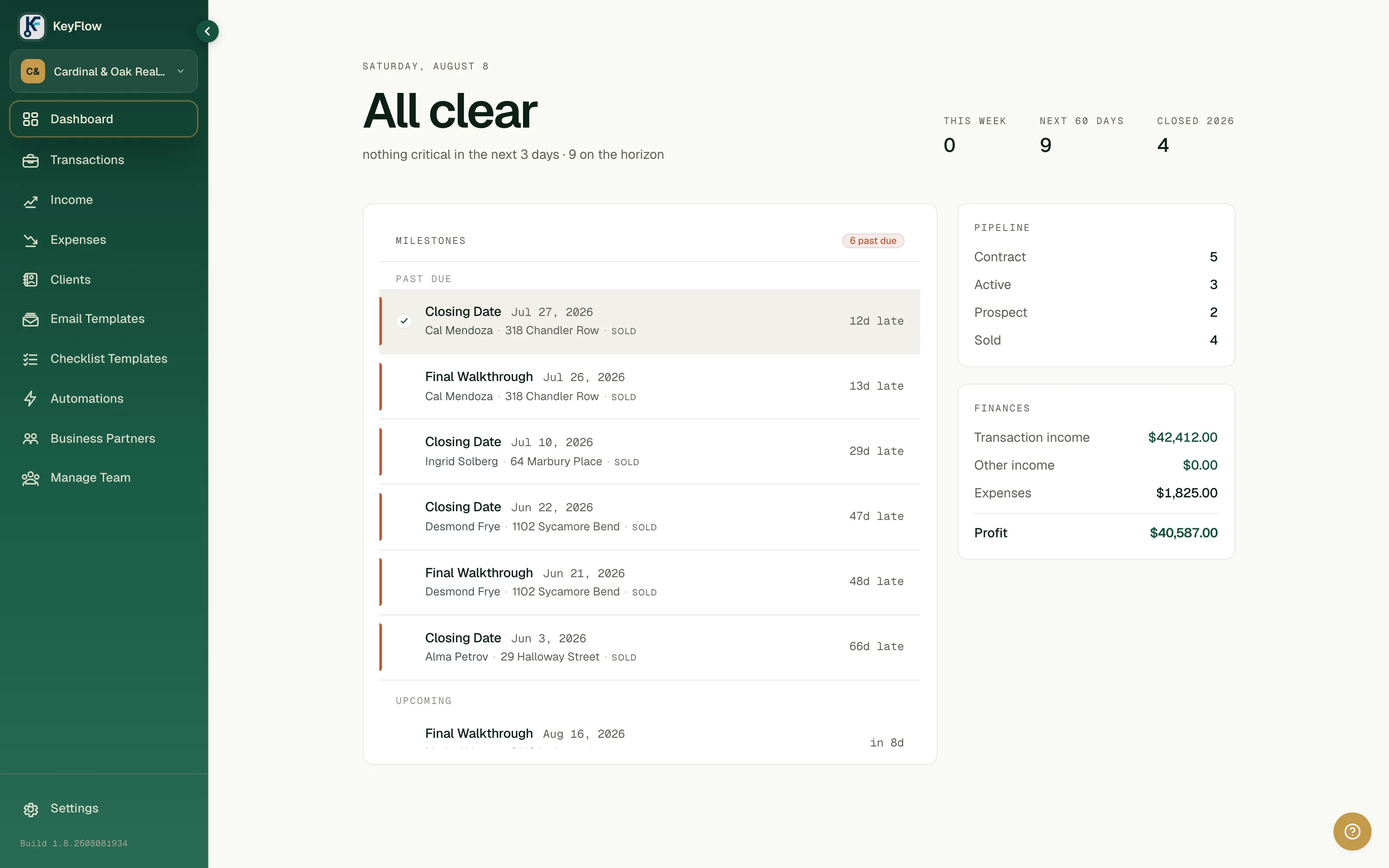
Fictional workspace — synthetic figures.
Seen enough to try it on your own deals?
Choose your plan